Google / Gemini API Key
Google provides access to the powerful Gemini set of models, include the Nano Banana branch for Image Generation. Google has a vast offering, ranging from free models perfect for testing ChatStak AI to access to the Gemini Pro family with state of the art capabilities for power users.
How to get your Google API Key
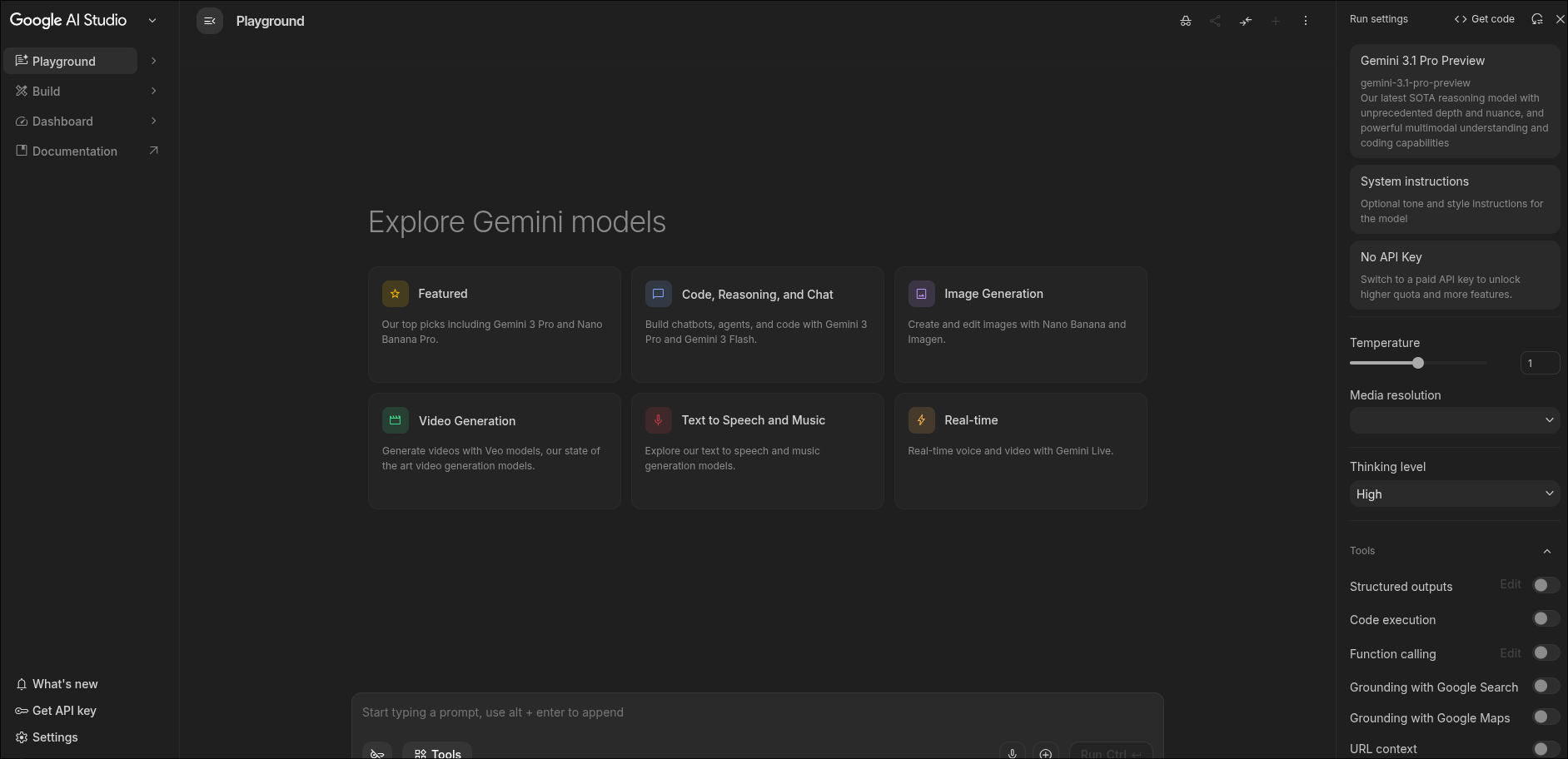
- Access Google AI Studio: Navigate to Google AI Studio and sign in with your Google account.
- Generate API Key: Click on "Get API key" in the left sidebar.
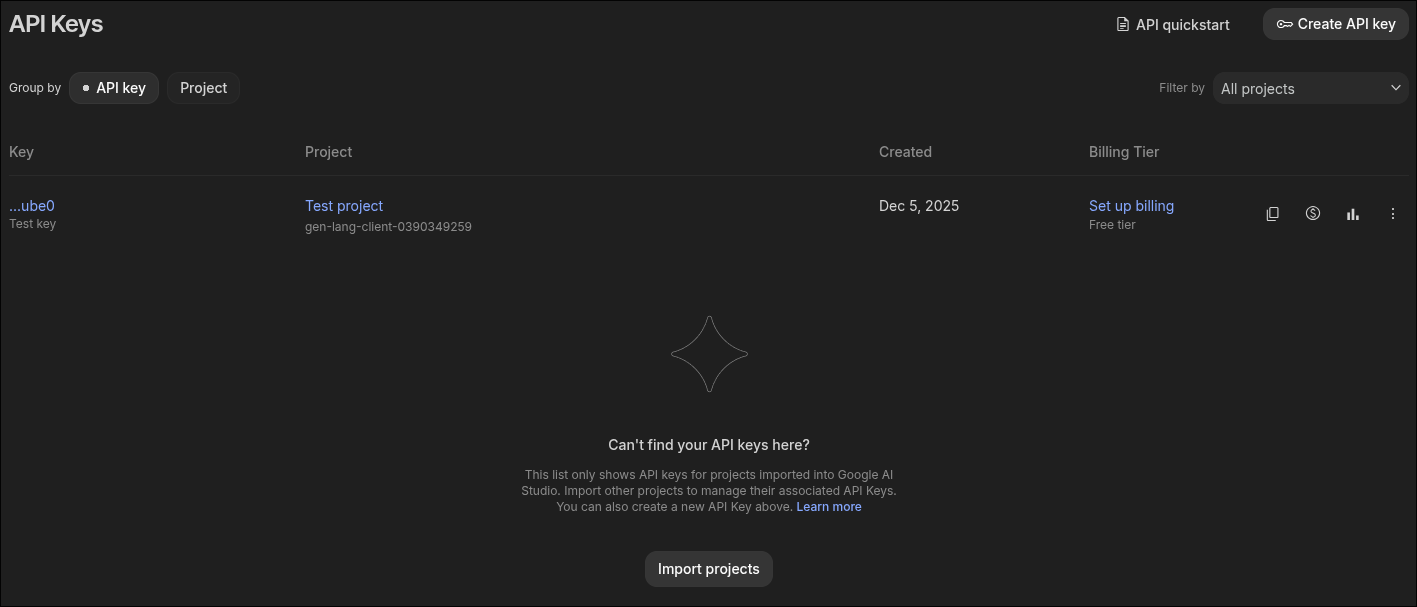
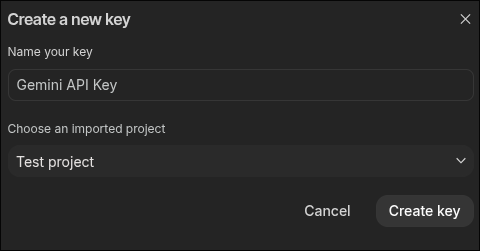
- Create Key in a Project: Click "Create API key in new project".
- Billing: Once your API Key is created, click on "Set Up Billing" to be able to access the premium models offered by Google and avoid rate limits.
- Connect to ChatStack AI: Copy the key, head over to Settings > API Keys, choose Google, and paste it.
Note on Free Tier: Google's free tier has rate limits (e.g., Requests Per Minute). If you hit these limits, ChatStack AI will notify you.