Image Generation Mode
Image Mode uses the multimodal capabilities of modern AI models to allow you to generate and manipulate images directly within the ChatStack AI interface.
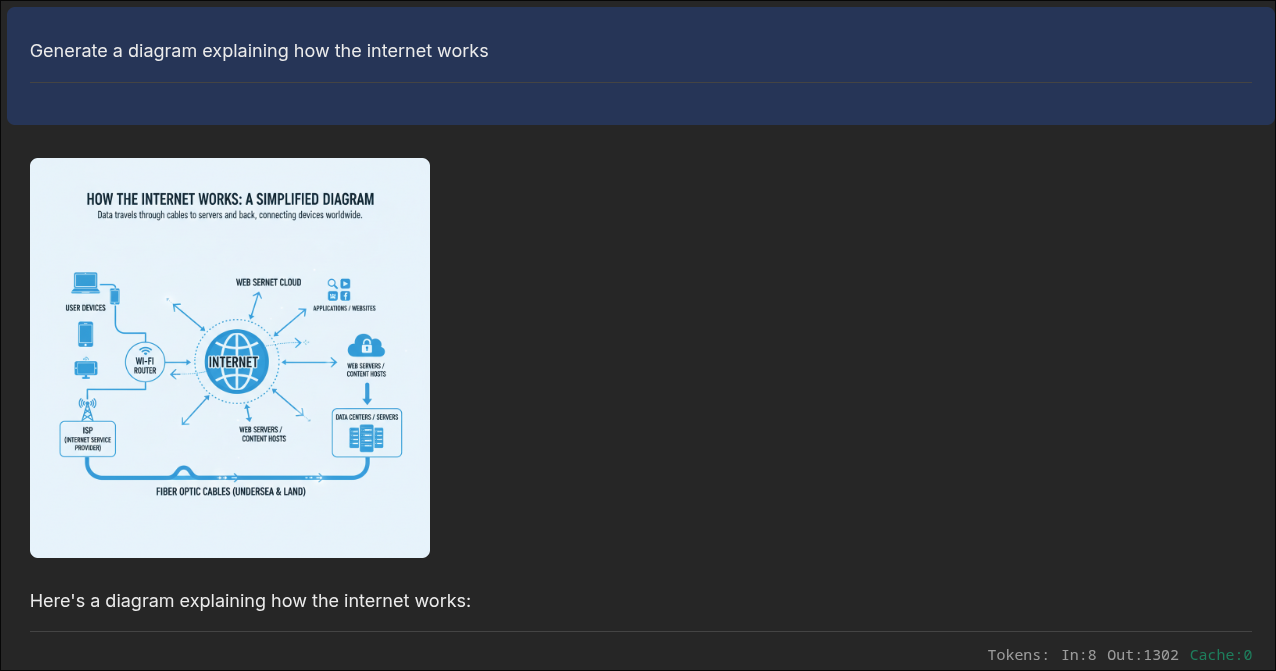
Supported Workflows
There are two options to generate images using AI models: Text-to-Image and Image-to-Image. The workflow that the AI model follows is defined by the provided inputs.- Text-to-Image: Describe an image in detail, and the AI will generate it from scratch.
- Image-to-Image: Upload one or several base images and provide a prompt to modify their style, add elements, or use them as structural inspiration.
How to Use Image Mode
Generating an image is as easy and intuitive as sending a message in Chat Mode:- Select Image Mode: Switch the active mode to "Image" in the chat footer.
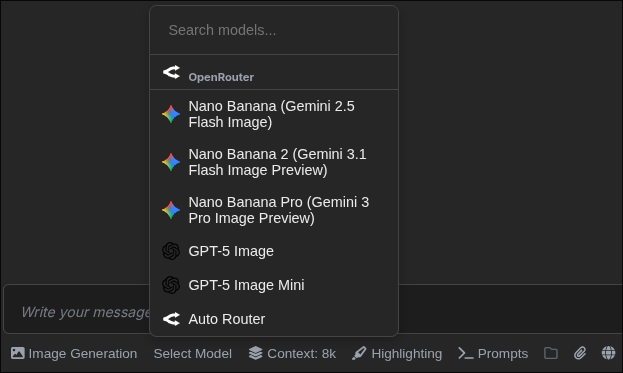
- Choose a Capable Model: Not all LLMs generate images. ChatStack AI filters those that can produce images as outputs. See below for more details on how to choose the best image model for you.
- Write your Prompt: Describe what you want. Be specific about art style, lighting, and composition. AI Image generation models have become extremely good but they can still produce hallucinations.
- Upload Reference Image (Optional): If you are doing Image-to-Image, click the attachment icon in the chat footer to select one or several local images to serve as the base.
Generated images are stored efficiently in your browser's IndexedDB, ensuring your image history loads instantly without re-downloading large files from the provider. They are also synced with our servers if you opt in for Cloud Sync so your images are available everywhere.
How to Choose the Image Generation Model
In Image Generation mode, ChatStack AI will restrict the models displayed in the model selector. Only those that offer image outputs can be selected. However, AI models differ on the type of input that they accept, like number of input images. It is important to check these limitations before starting any generation. You can see the model details in our Models page and filter by Output Modality.
Workspace access is not implemented for Image Generation Mode. We believe that attaching the images manually is safer as it avoids sharing full directories with many images at once by mistake and burning all your tokens.
If you want this feature, please let us know!