OpenRouter API Key
OpenRouter is a unified API for accessing various Large Language Models (LLMs) through a single provider. Instead of managing individual accounts and billing for OpenAI, Anthropic, Google, and others, OpenRouter allows you to route requests to your preferred models using one credit balance and one set of API credentials.
This option is the best to get started, as it allows accessing both free and paid models. It is free to create an account, get your first API, and start using ChatStack AI with free models.
How to get your API Key
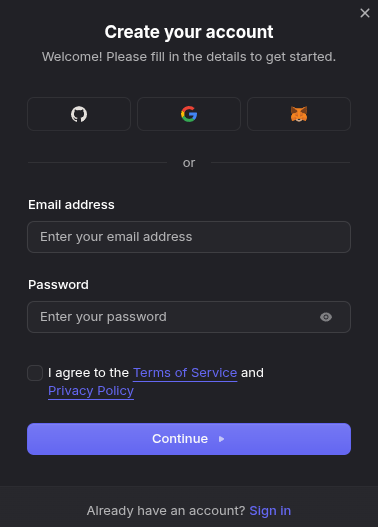
- Create an Account: Navigate to openrouter.ai and sign up using your preferred authentication method.
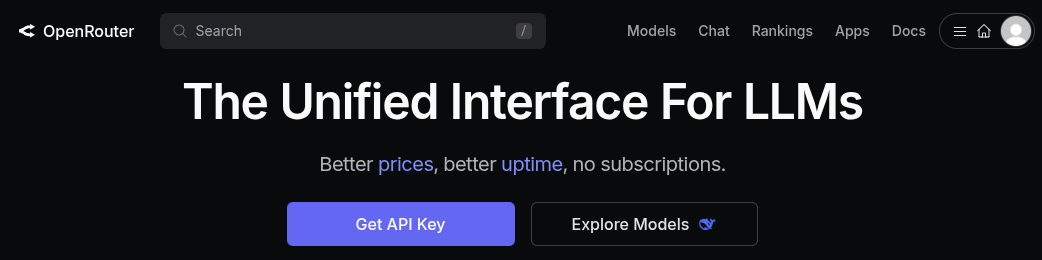
- Access Keys: Once logged in, navigate to the main page openrouter.ai and select "Get API Key" (or go directly to openrouter.ai/keys).
- Create a New Key: Click the "Create" button. Give it a recognizable name (e.g., "ChatStack AI Testing") so you can identify it later.
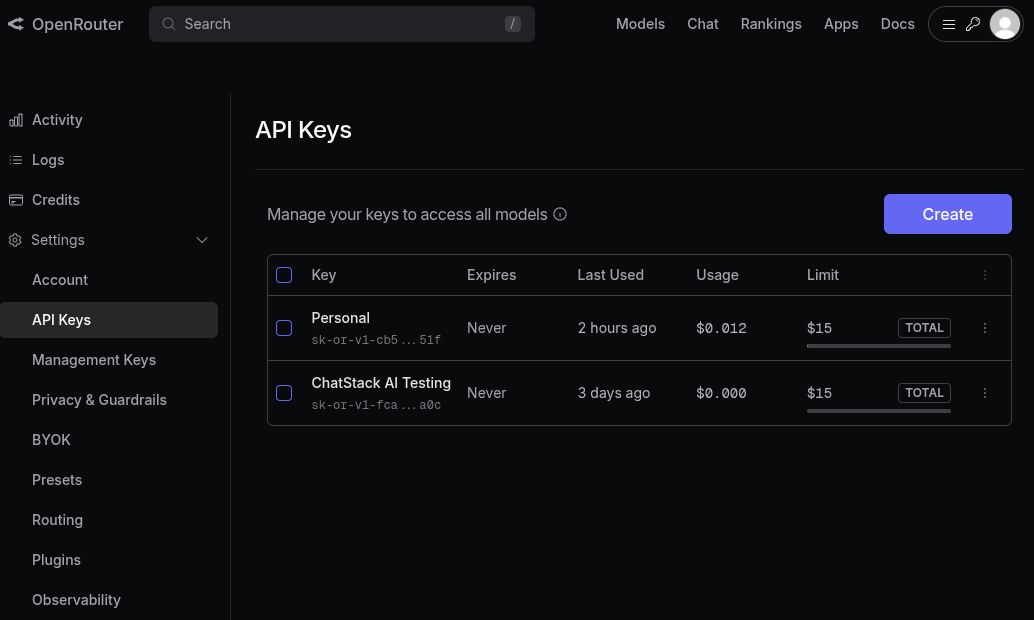
- Copy & Store: Copy the key immediately and store in a safe place. Important: For security reasons, OpenRouter will not show you the full key again once you close the window.
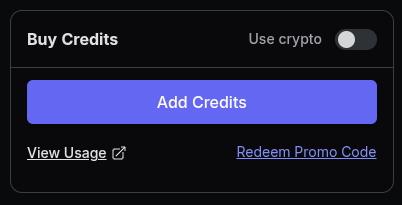
- Add Credits (Optional): To use the most advanced models, purchase credits and pay-as-you-go. Openrouter offers a vast selection of free models, so adding credits is optional until higher AI capabilities are required.
- Connect to ChatStack: Open ChatStack AI, go to Settings > API Keys, select OpenRouter from the provider list, and paste your key.
Test your Openrouter API Key
OpenRouter provides API access to many free models. Use one of this models to test that your API Key works.
- Verify API Key: Check that your API Key has been correctly stored in Settings > API Keys.
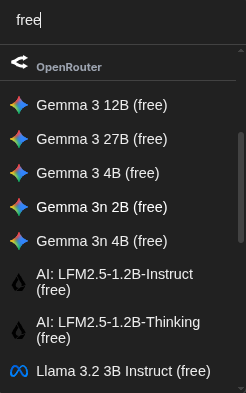
- Select a free model: Go to the Chats page and select a free model. You can use the search bar and write free to filter the free models offered by OpenRouter. Select the one you prefer.
Note: there are some models that have limited usage for the free tier. It might be possible that text generations is hence stopped after some API calls. The Google Gemma model family has no limits.