OpenAI API Key
OpenAI is the company developing and providing the famous GPT models behind ChatGPT. Using an OpenAI API key directly with ChatStack AI allows you to directly connect to these models in a pay-as-you-go mode.
How to get your OpenAI API Key
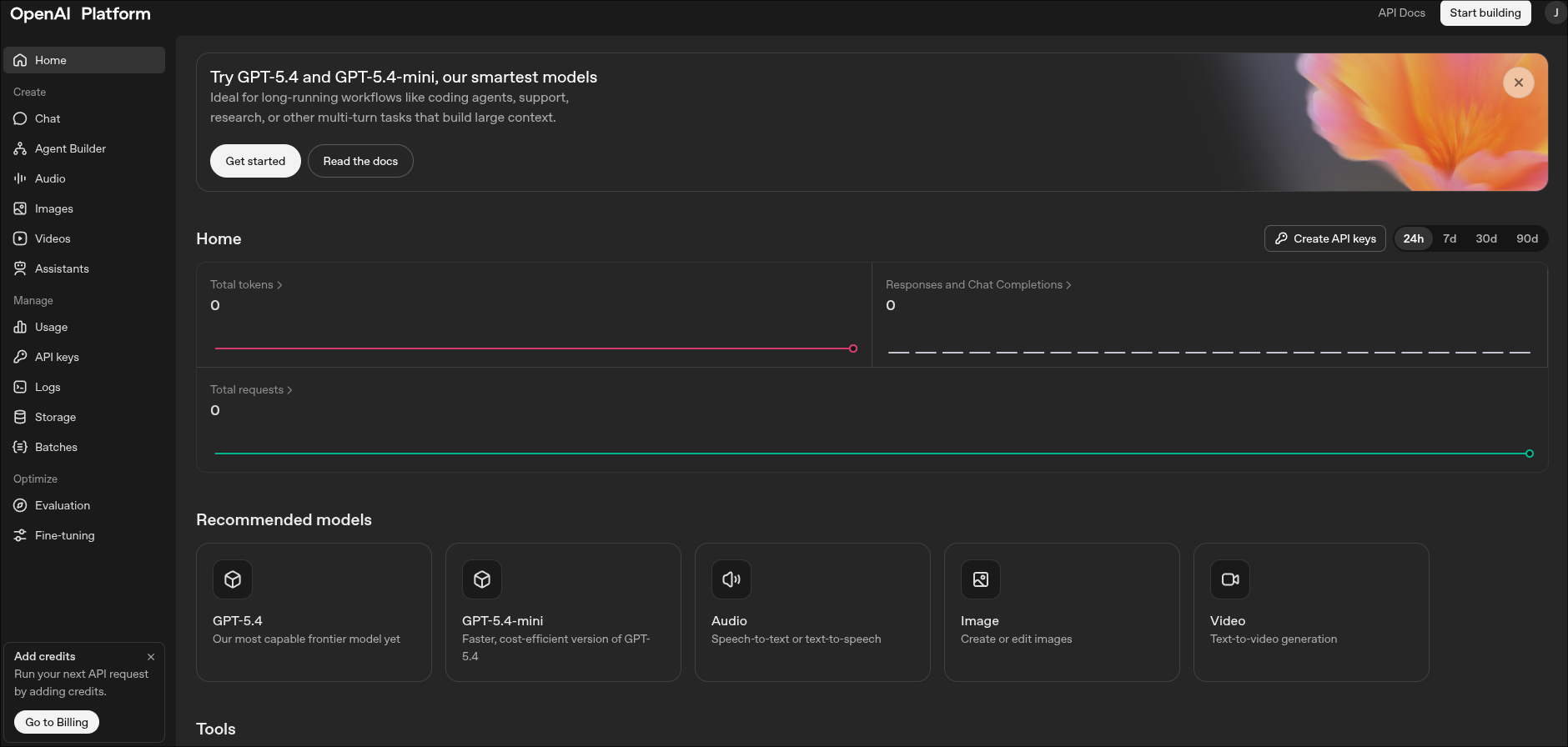
- Create a Developer Account: Go to the OpenAI Platform and sign in or create an account.
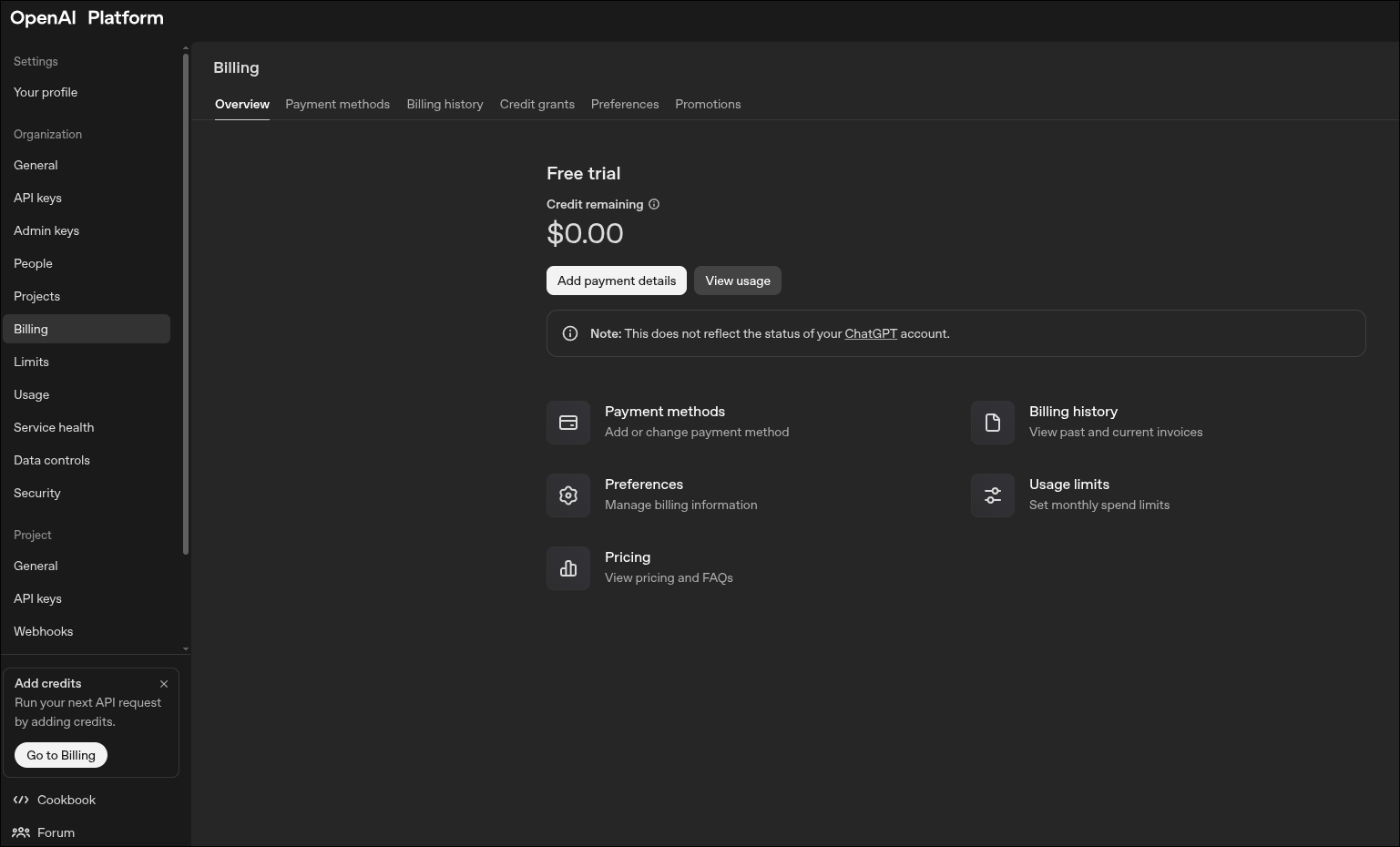
- Set Up Billing: OpenAI operates on a prepaid usage model for API access. Navigate to Billing, in the bottom left corner, and add a payment method to fund your account.
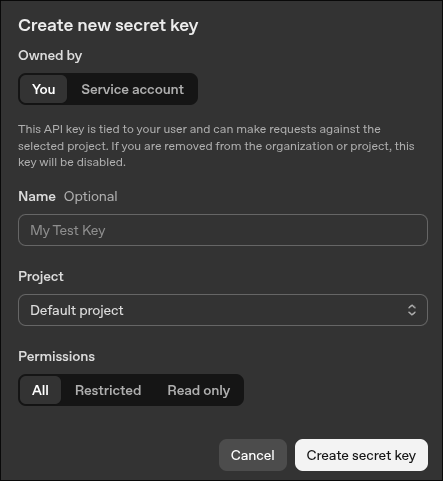
- Generate the Key: Navigate to API Keys in the dashboard. Click "Create new secret key". Assign it to a specific project if you wish to track ChatStack AI usage separately.
- Save & Secure: Copy the generated key. You won't be able to see it again.
- Connect to ChatStack AI: Go to Settings > API Keys, select OpenAI, and securely save your key.
Pro Tip: Navigate to Settings > Limits in the OpenAI dashboard to set a monthly spending limit. This ensures you never accidentally exceed your budget.